


PowerPoint design masterclass: what makes training slides engagement-worthy?
Most training content still starts life in PowerPoint. That is not the problem. The problem is that 'made in PowerPoint' too often means dense slides, decorative clip art, and a wall of bullet points that a learner skims and forgets by the next screen.
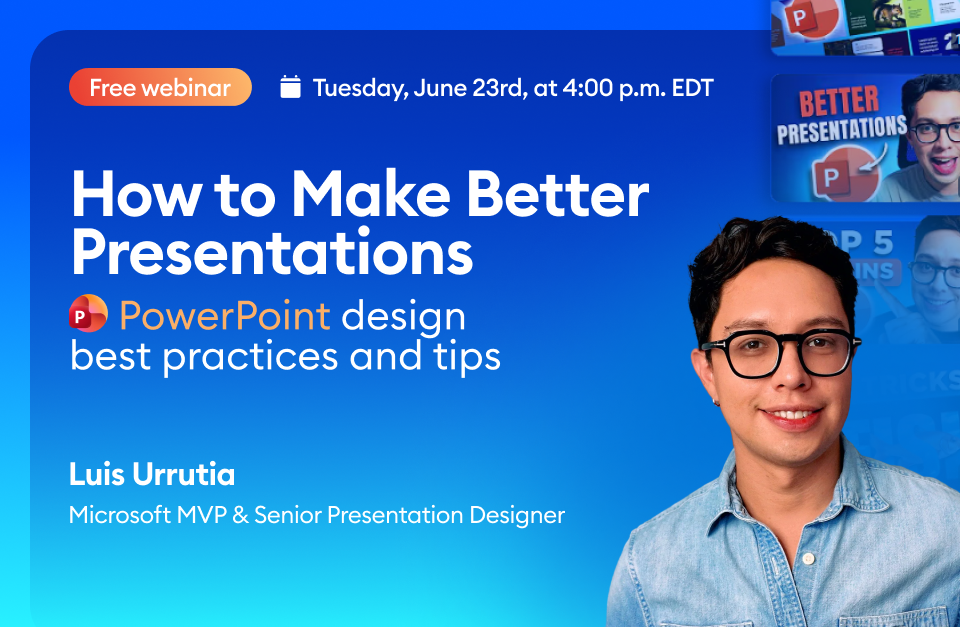
In PowerPoint Design: Best Practices and Tips for 2026, Luis Urrutia – Microsoft MVP, senior presentation designer, and the creator behind some of the most-watched PowerPoint tutorials online – makes the case that good slide design isn't decoration. It is how you direct attention, manage cognitive load, and make a point land before the learner moves on.
Urrutia has spent over a decade redesigning decks for companies including Chanel, Google, KPMG and LinkedIn, and has built a following in the millions teaching the craft on YouTube and TikTok. This session brings that eye to the specific demands of training content, where a slide has to do more than look good – it has to teach.
What attendees will take away:
- How to build visual hierarchy so learners look where you want them to, in the order you intend
- Layout and spacing principles that reduce cognitive load instead of adding to it
- Practical ways to hold attention across a course, not just a single stand-out slide
- The missing link that separates engaging 2026 training content from the dated decks learners tune out
Expect a hands-on, example-led hour aimed at anyone who builds courses in PowerPoint and wants them to work properly – no design degree required.
Event Details
- Date: Tuesday, 23 June 2026
- Time: 4:00 pm EDT (21:00 BST)
- Duration: 1 hour
- Cost: Free
- Perks: Attendees receive a certificate of attendance and the full recording.
Register here: PowerPoint Design: Best Practices and Tips for 2026